
Time tracking for humans who hate tracking time.
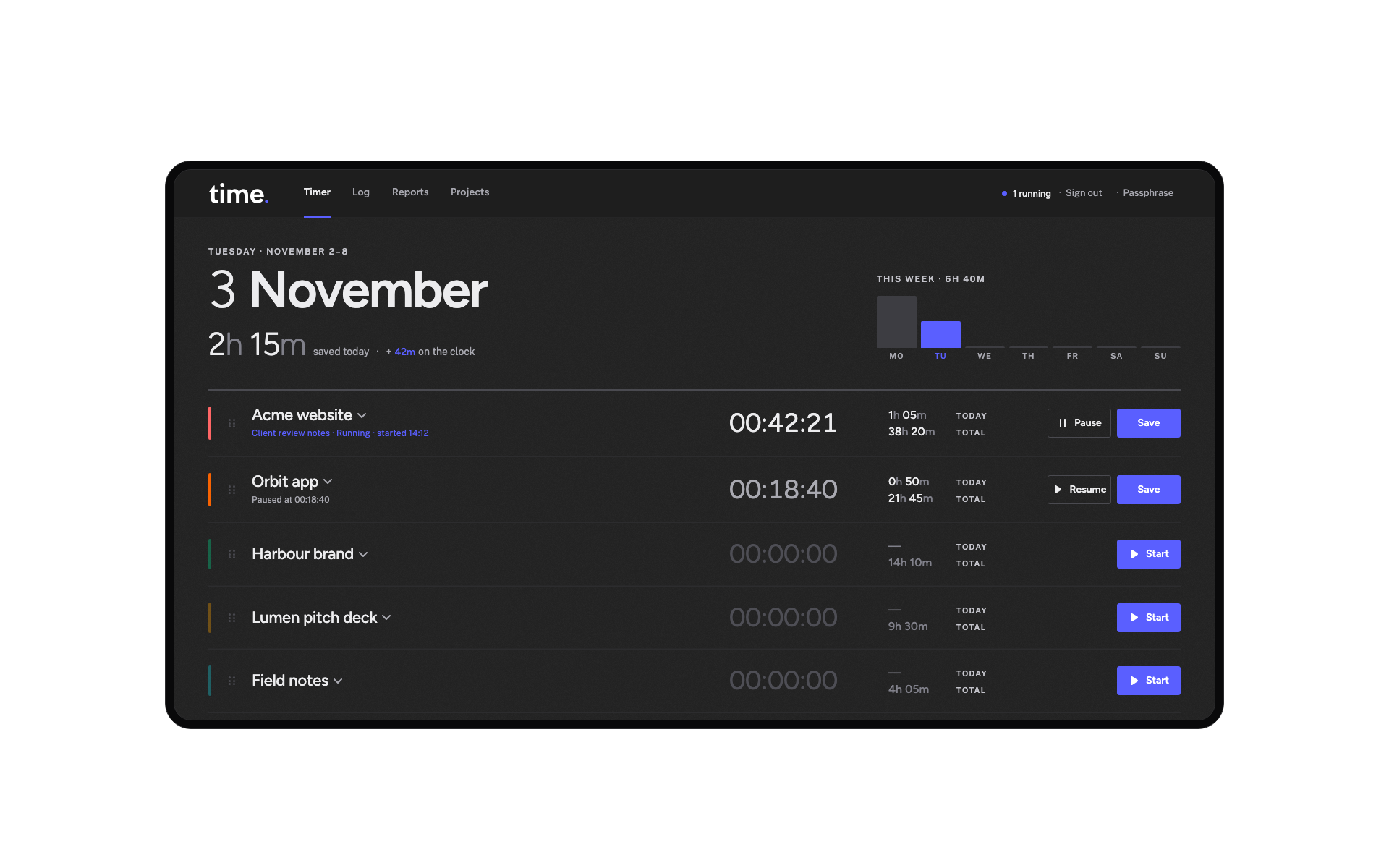
For designers, developers, and anyone whose week keeps disappearing.
Hit start. Now it's the clock's problem.
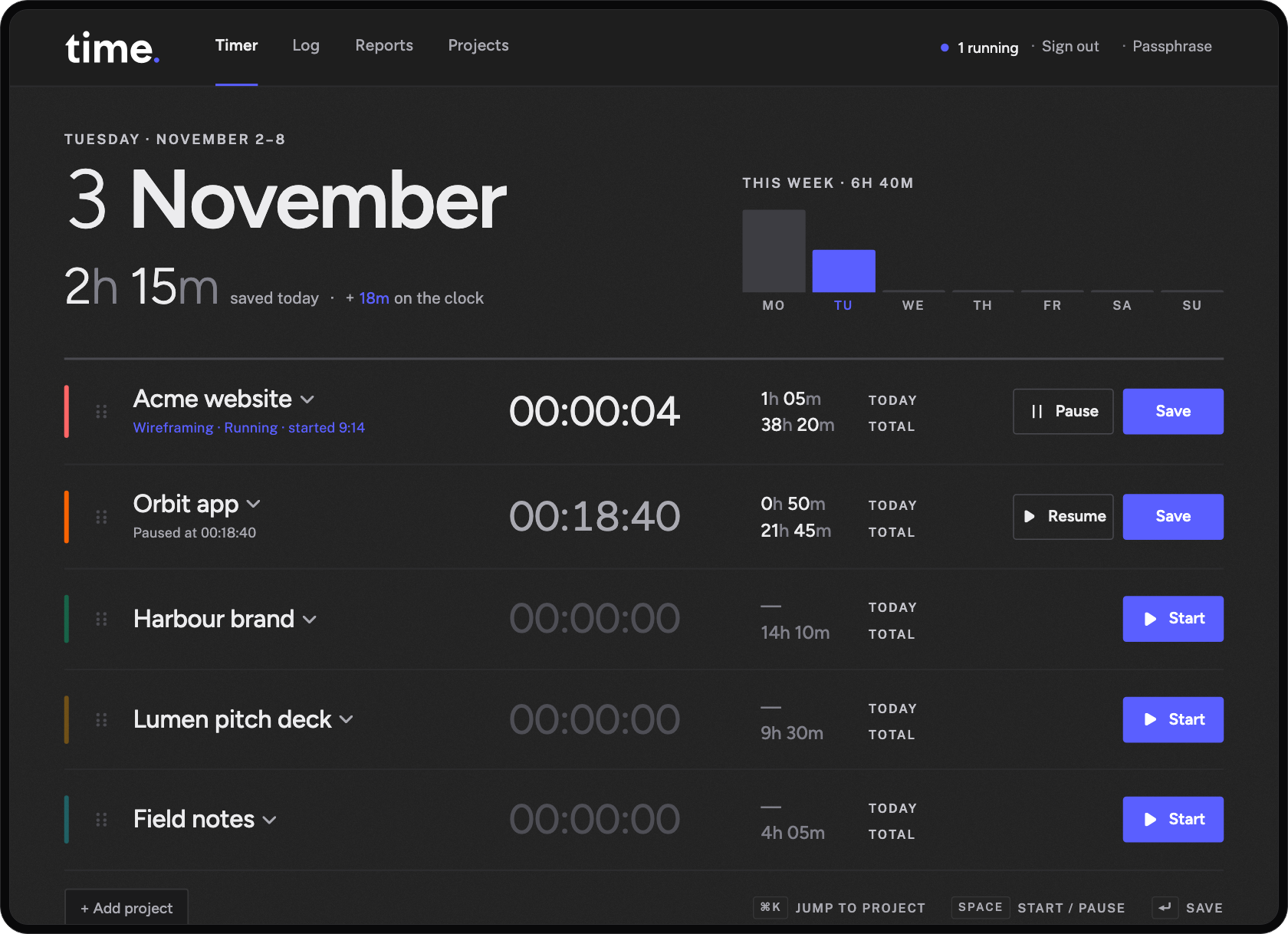
One tap starts the clock, and every project gets its own. Pause it for lunch, pick it back up, and save when you're done. Time rounds to the minute and books it to the right day.
Reload, close the tab, switch to your phone. A running clock keeps running.
I made a few shortcuts too. Start, pause, save and jump between projects without the mouse.
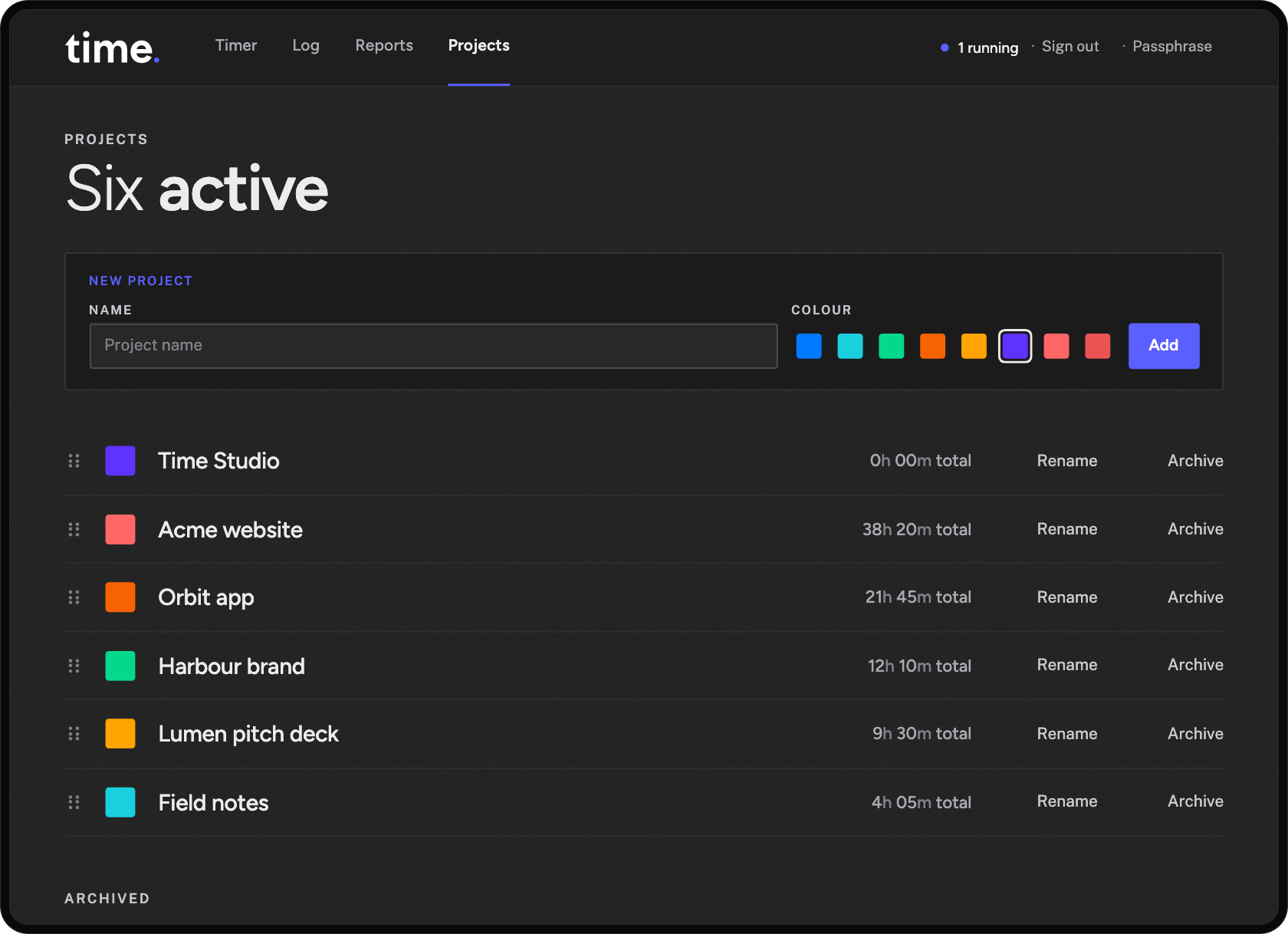
Keep your projects organized.
Every project gets a name and a colour, and the colour goes wherever its hours go. Wrapped one up? Archive it, and bring it back if they call.
Reorder your projects any time, and put the clocks you use most at the top.
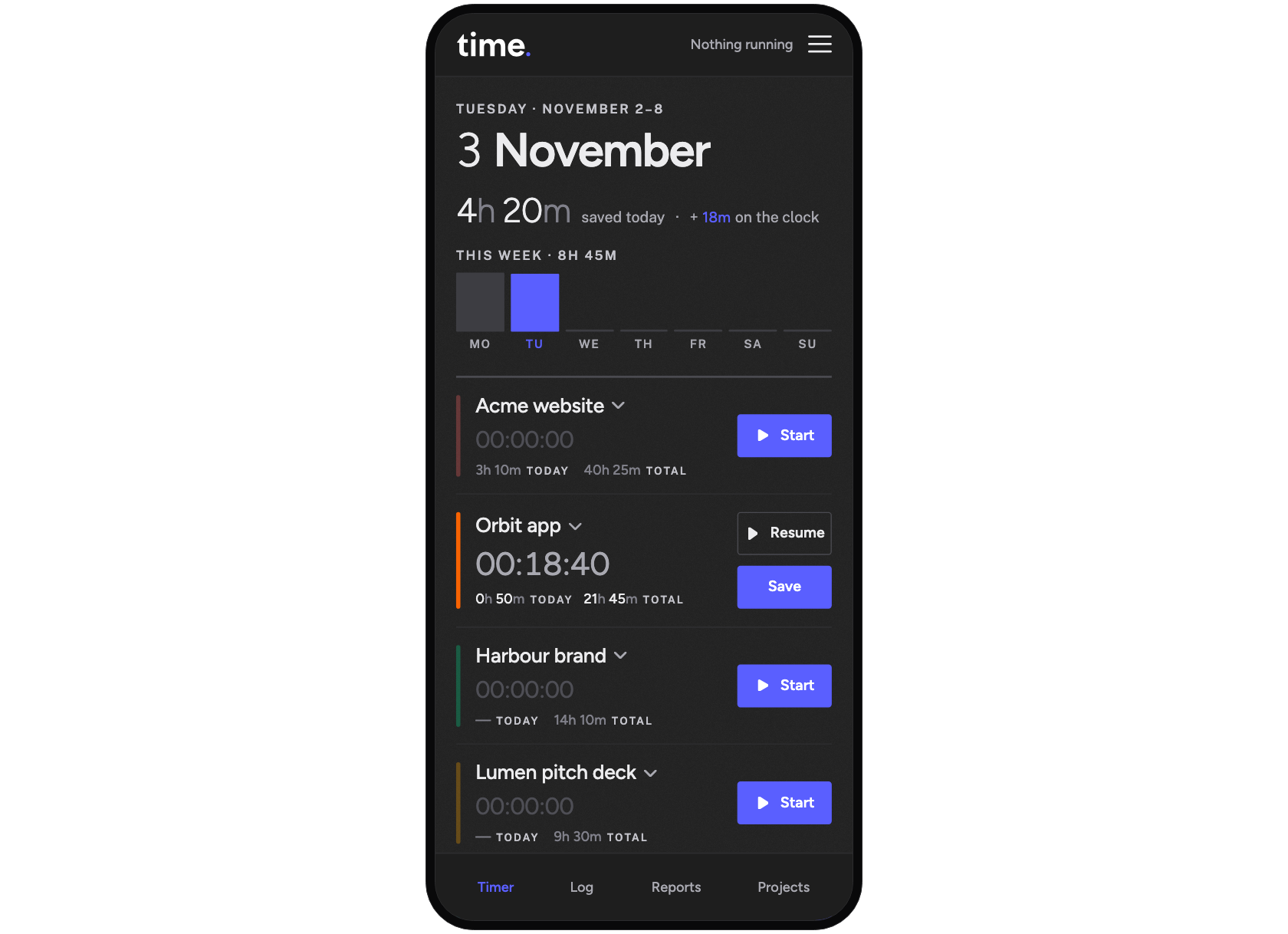
Start it on your laptop. Stop it on your phone.
Time runs in your browser and installs like an app on your phone, your Mac or your PC. No connection? Keep going. It syncs when you're back.
Proof you were actually working.
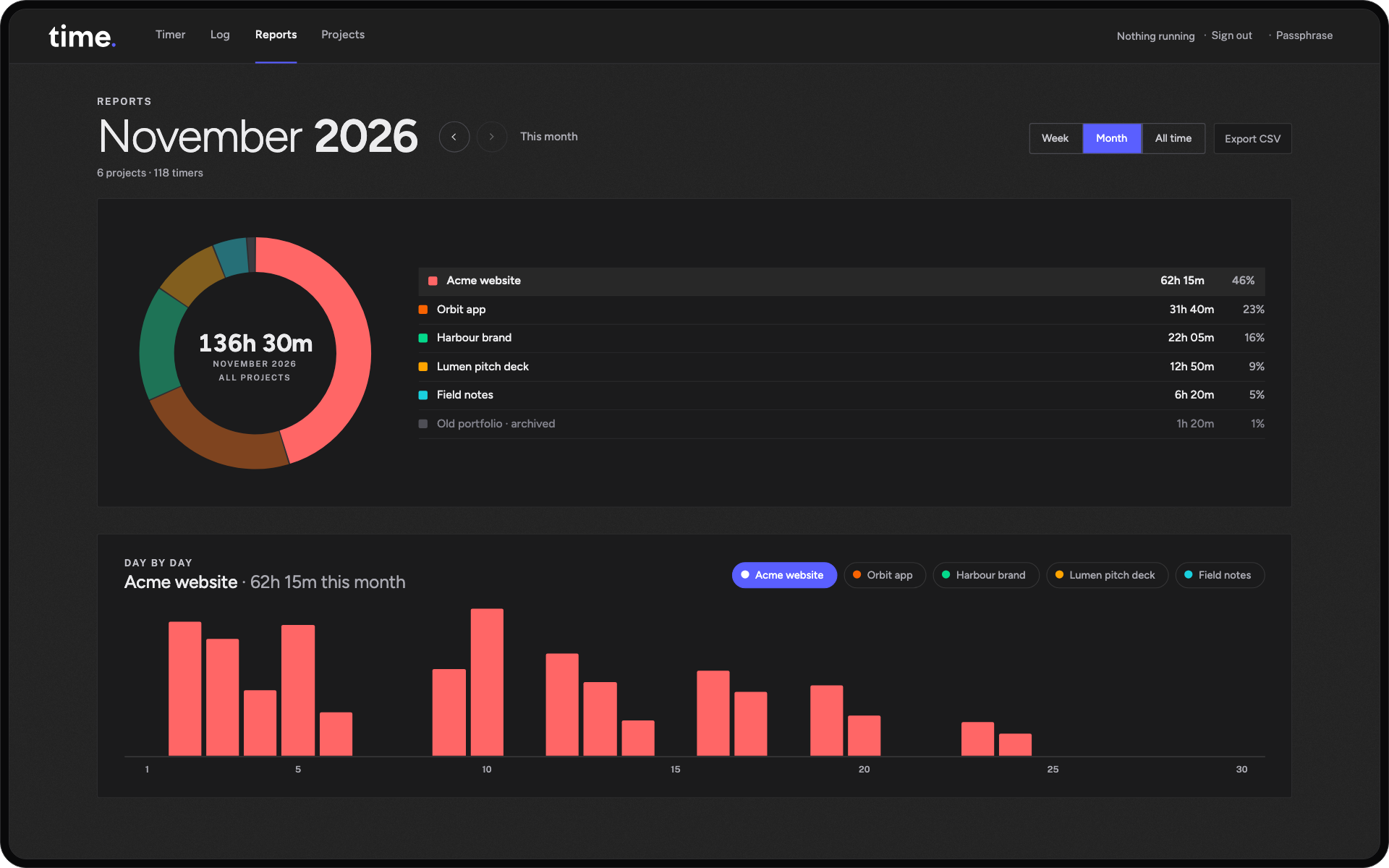
This week, this month, all time. See your hours by project and by day, flip back through past weeks and months, and export a CSV when it's invoice day.
Rewrite history. A little.
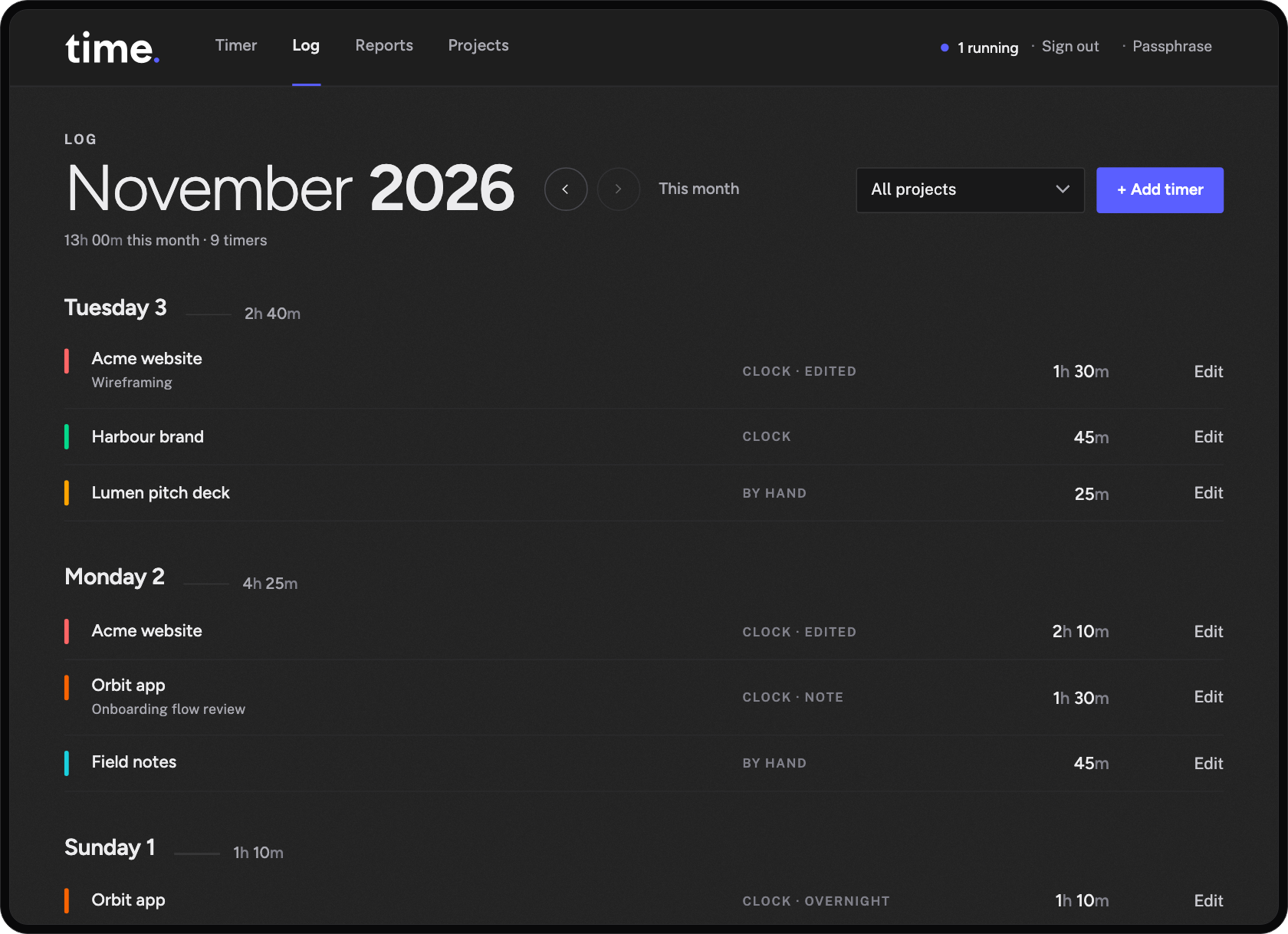
Forgot to start the clock? Happens. Add time by hand, fix an entry, or leave a note on what you worked on. Every day gets its own page.
Worked past midnight? The session stays on the day you started it.
A time tracker that doesn't track you.
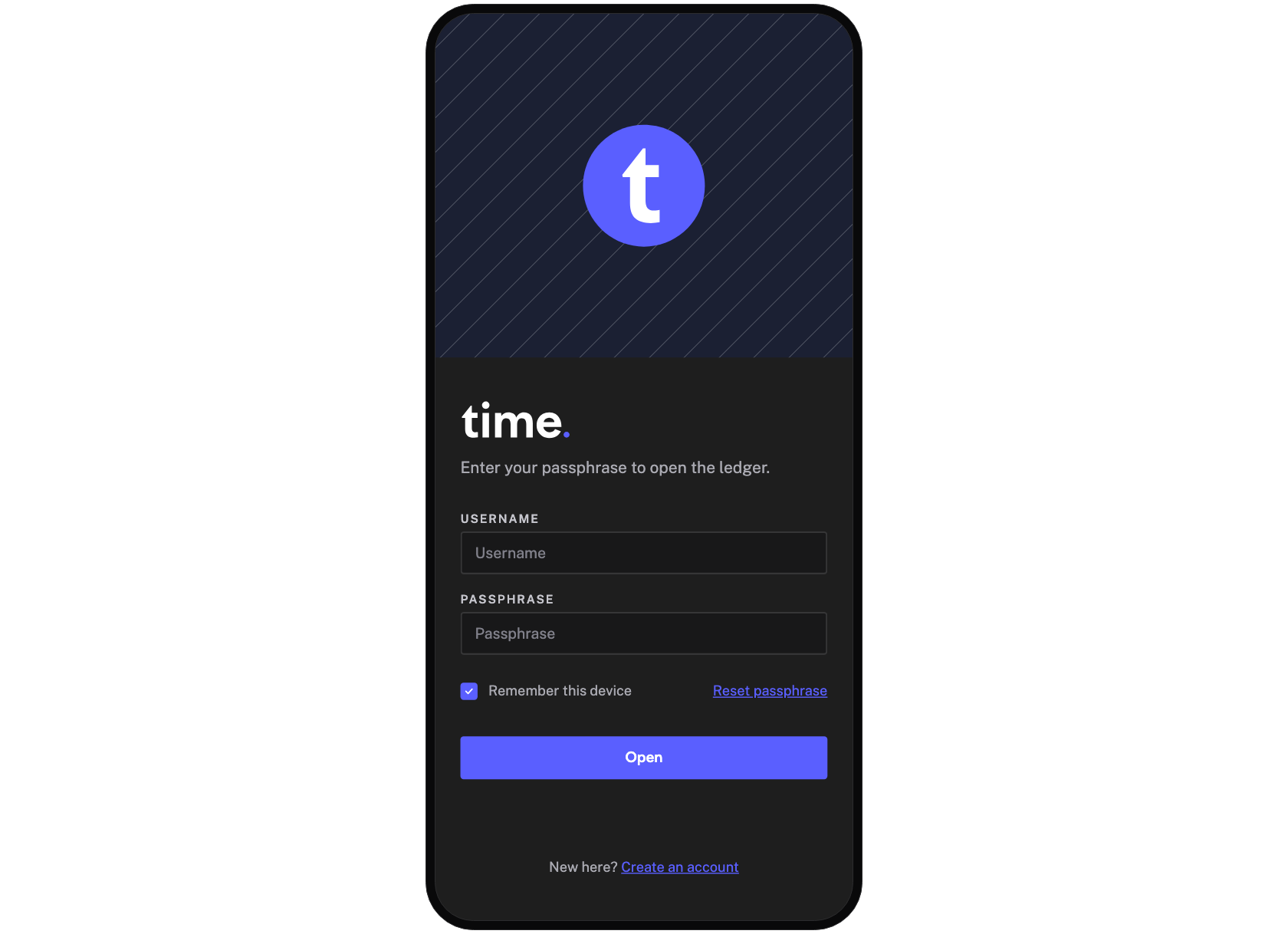
No ads, no feed. Sign in with a username and a passphrase, and keep a four-word recovery key in case you forget it. Lost that too? Send me a message and I'll sort it out.
Want more time?
Make an account and start your first clock.
I built Time for my own client work and figured you might want it too.
Made by one person, mostly on coffee.